Why AI Video Quality Has Jumped – And How to Take Advantage of It
 Fyrconthius Lazenquill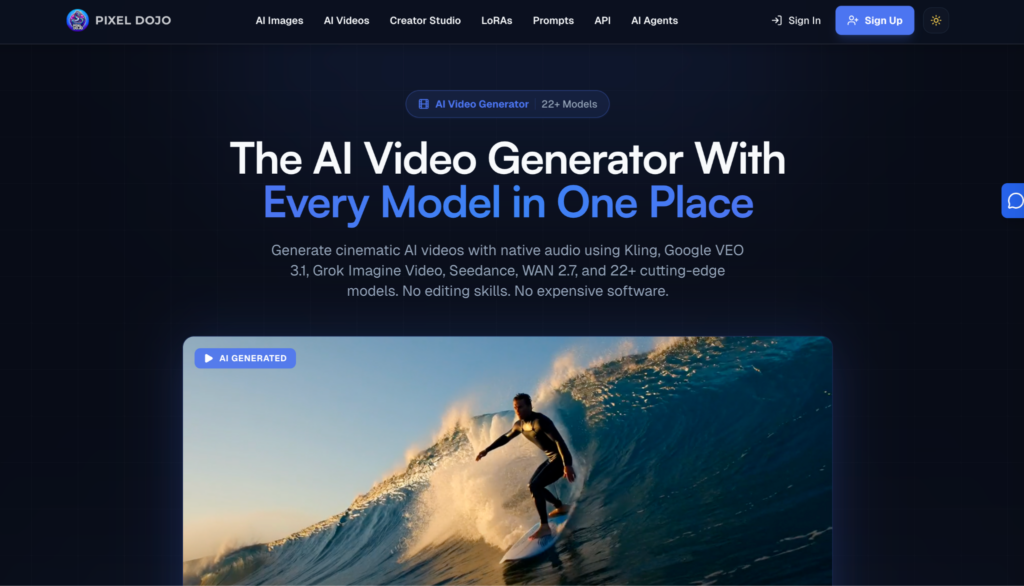
Two years ago, AI-generated video looked like a fever dream.
Fingers melted into blobs, faces shifted mid-sentence, and anything longer than four seconds fell apart completely.
That era is over.
The quality gap between AI video and traditional footage has narrowed faster than most creators expected. Any decent decent AI Video Generator now produces output that would have been unthinkable in 2023.
These tools are accessible to pretty much anyone with a laptop.
So what actually changed, and more importantly, how do you use these improvements without producing content that still screams “made by a machine”?
The Technical Leap That Made the Difference
Most of the jump in quality traces back to the diffusion model architecture.
Early text-to-video systems like first-generation Runway and Pika relied on frame-by-frame generation, which is why motion looked jittery and objects warped between cuts.
Newer models from companies like OpenAI (Sora), Google DeepMind (Veo 2), and Kling AI treat video as a continuous sequence rather than a slideshow.
That single shift eliminated the uncanny motion artifacts that plagued earlier outputs.
Resolution matters too.
Where 512×512 pixels used to be standard output, most capable platforms now render at 1080p natively, with some pushing into 4K territory.
The practical result is footage you can actually drop into a YouTube video or Instagram Reel without it looking soft or compressed compared to everything around it.
Frame rates have caught up as well.
Generating smooth 24fps or even 30fps content is now routine, whereas early tools struggled to produce anything above 8fps without significant interpolation artifacts.
Combined with better temporal consistency – meaning objects hold their shape and position across frames – the output genuinely passes the casual viewer test.
Where AI Video Actually Delivers Right Now
Not every use case benefits equally.
The sweet spot sits in a few specific categories where AI video’s strengths align with real production needs.
Product visualization is probably the clearest win. E-commerce brands and SaaS companies can generate polished explainer clips, product rotation videos, and lifestyle context shots without booking a studio or hiring a videographer. A DTC skincare brand, for instance, can produce dozens of ad variations testing different visual styles in the time it would take to organize a single traditional shoot.
Social media content is another area where the speed advantage compounds. Platforms like TikTok and Instagram demand a relentless volume of fresh video. Creating that volume with traditional production is expensive and slow. AI video tools can bridge that gap, not by replacing a creative team entirely, but by handling the repetitive visual assets that eat up most of the production calendar.
Internal communications and training are the sleeper category. Corporate training videos, onboarding walkthroughs, and internal product demos don’t need Hollywood polish. They need clarity and speed. AI video handles this remarkably well because the bar for “good enough” is practical rather than cinematic.
Where it still struggles: long-form narrative content, precise lip-sync for dialogue-heavy scenes, and anything requiring exact brand-specific human talent.
These limitations are real, and pretending otherwise leads to wasted time and embarrassing output.
Picking the Right Tool Without Overthinking It
The market is crowded. Runway Gen-3, Kling AI, Luma Dream Machine, Pika Labs, Synthesia, HeyGen, and Sora all compete for attention with overlapping but distinct capabilities.
Rather than chasing every new release, focus on three practical filters.
Input flexibility determines how much control you get. Some tools work best from text prompts alone, while others accept reference images, existing video clips, or even 3D scene descriptions. If you already have brand photography or product shots, prioritize platforms that let you use those as starting frames – the output will be far more consistent with your existing visual identity.
Output length and resolution still vary wildly. Some platforms cap generation at 5 seconds per clip; others push past 30 seconds. For social content, short clips are fine. For explainer videos or product demos, you need longer continuous shots or seamless clip stitching. Check actual output specs, not marketing claims.
Editing and iteration capability separates tools you’ll actually use from tools you’ll try once and abandon. Can you regenerate just one section of a clip? Adjust motion speed after generation? Swap elements without starting from scratch? The ability to refine output efficiently matters more than raw generation quality because you’ll almost never get a perfect result on the first pass.
The Workflow That Actually Works
Experienced creators who’ve integrated AI video into real production tend to follow a similar pattern, regardless of which specific platform they use.
Start with a clear creative brief – not a vague prompt. “A woman walking through a sunlit kitchen” produces generic output.
“A 30-something woman in a linen apron reaching for a ceramic mug on an open wooden shelf, warm morning light from the left, shallow depth of field” produces something usable.
Specificity in your prompt directly correlates with output quality, especially when describing lighting, camera angle, and material textures.
Generate multiple variations.
The first output is rarely the best one.
Most professionals run three to five generations per concept, then select the strongest take.
This mirrors traditional production, where you’d shoot multiple takes anyway – the difference is cost and time.
Post-production still matters. Color grading, audio layering, pacing adjustments, and transitions all happen after generation.
Treating AI video as raw footage rather than finished content produces dramatically better results.
Drop clips into DaVinci Resolve, Premiere Pro, or even CapCut, and apply the same editorial judgment you’d use with camera footage.
Cost and Speed: The Numbers People Don’t Talk About
A typical 60-second product video from a traditional production company runs between $3,000 and $15,000, depending on complexity, location, and talent.
That same video concept produced through AI video tools costs somewhere between $20 and $200 in platform credits, plus the time of whoever is prompting and editing.
The time savings are equally dramatic.
Traditional production timelines run two to six weeks from concept to final delivery.
AI video workflows compress that into hours or days.
For teams running weekly ad creative cycles or monthly content calendars, that compression isn’t just convenient – it fundamentally changes what’s possible.
But there’s a catch.
The cost savings only materialize if someone on your team actually learns the tools well enough to produce consistent quality.
A poorly prompted AI video wastes credits and time just like a poorly planned shoot wastes budget.
The learning curve isn’t steep, but it exists, and skipping it shows in the output.
What’s Coming Next
The trajectory points toward three developments worth watching.
Real-time generation is approaching viability – imagine adjusting a scene live during a video call or presentation.
Google and NVIDIA have both demonstrated prototypes that generate video frames fast enough to feel interactive.
Audio-visual synchronization is improving rapidly.
Current tools handle background music and ambient sound reasonably well, but natural dialogue with accurate lip movement remains inconsistent.
Expect this to be largely solved within the next 12 to 18 months as multimodal models mature.
Personalization at scale is the commercial frontier.
Brands will generate thousands of unique video ad variants, each tailored to specific audience segments, demographics, or even individual viewer preferences.
The infrastructure for this already exists in pieces – it just hasn’t been assembled into turnkey solutions yet.
The Practical Takeaway
AI video quality has crossed the threshold from “interesting novelty” to “genuine production tool.”
The creators and brands getting ahead right now aren’t waiting for perfection.
They’re learning the tools, building workflows around current capabilities, and treating the technology as what it is: a powerful accelerator that works best when paired with human creative judgment.
The gap between AI-generated video and traditional footage will keep shrinking.
Whether you’re a solo content creator, a marketing team, or an agency, the time to build fluency with these tools was six months ago.
The second-best time is now.
About The Author